Panasonic AG-MDR15 Guía de usuario
Busca en linea o descarga Guía de usuario para Dashcam Panasonic AG-MDR15. Panasonic AG-MDR15 Reference Guide Manual de usuario
- Pagina / 8
- Tabla de contenidos
- MARCADORES

Indice de contenidos
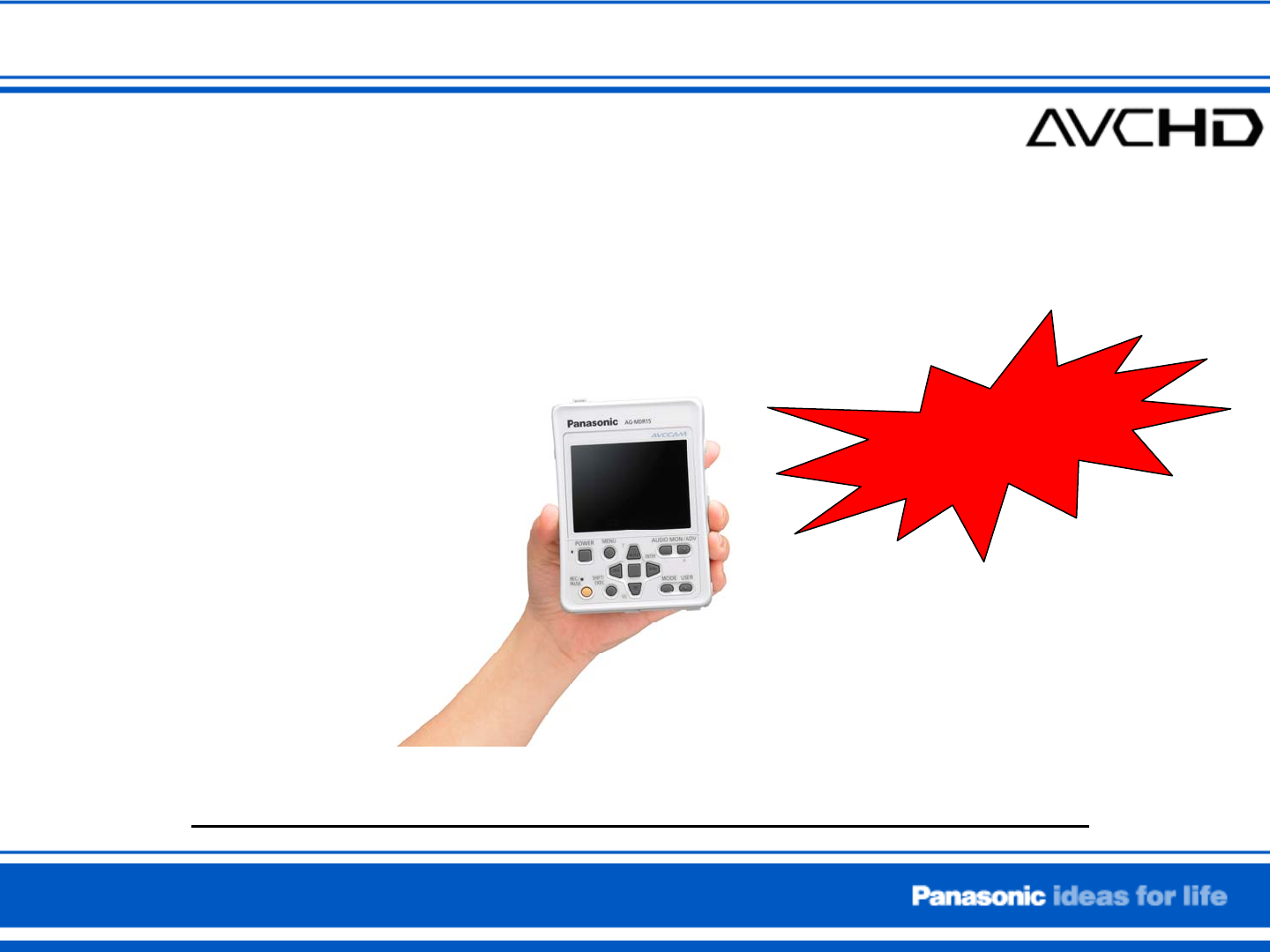
POVCAM (AG-MDR15) Quick Reference GuideRecording with External signal sourceFull HD Recording
Connecting monitor via HDMI cable or HD-SDI outputPreparation #4Note : Menu setting must be as follows ; When using HDMI connection, MENU > AV OUT
Insert the SD Memory Card into the card slotand close the door.Note : POVCAM supports up to 32GB SDHC card.Preparation #2Connect the external signal s
Formatting SD memory card1)2)2)3)4)5)1) Press MENU button , and select “CARD FUNCTION”by using UP/DOWN button .2) Press ENTER butto
For menu setup, press MENU button and select item by usingup/down button , then press ENTER button .In order to simplify the
Typical external signal sources examples560 SERIES IM4000High Definition Cameras Panasonic GP-US932
How to start RecordingPress the REC/PAUSE button to start recording.Press the REC/PAUSE button once again to finish recording.During recording, REC in
Playing back previously recorded video1) Press the MODE button to change to playback mode.Thumbnails displayed on the screen.2) Choose the clip by usi
Relacionado con productos y manuales para Dashcam Panasonic AG-MDR15
 (9 paginas)
(198 paginas)
(9 paginas)
(198 paginas)
 (116 paginas)
© 2020, manymanuals.es. Todos los derechos reservados | 0.033 s |
 Manymanuals.com
 Manymanuals.de
 Manymanuals.fr
 Manymanuals.it
 Manymanuals.pl
 Manymanuals.cz
 Manymanuals.es
 Manymanuals-pt.com
Comentarios a estos manuales